 Best match
Related: input valuesIntermediate
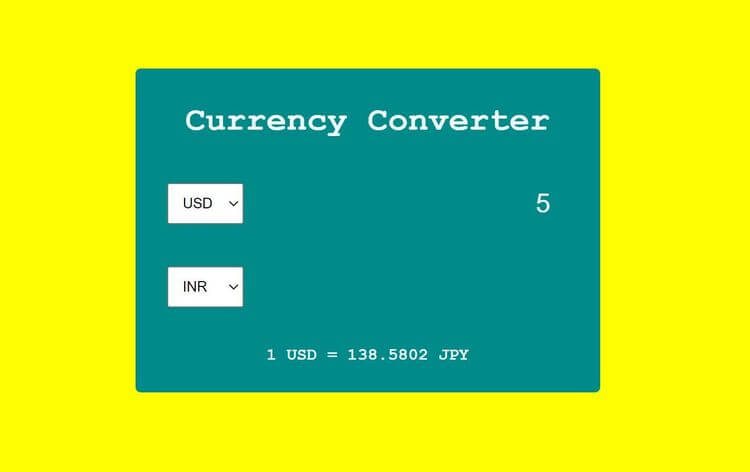
Currency Converter
Read form values and use them in the project logic.
Build a currency converter →Build a weight converter with HTML, CSS, and JavaScript while practicing setTimeout and input events.
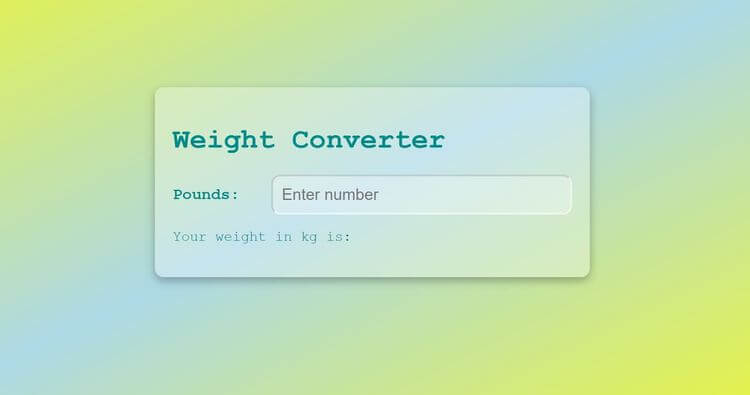
In this project, we’re going to build a weight converter using HTML, CSS, and JavaScript. You’ll see how to convert a value and keep the result easy to understand. Along the way, you’ll practice setTimeout, input events, and DOM selection, so you can understand how the interface and JavaScript logic work together.
Recommended knowledge: Basic HTML and CSS, JavaScript functions and callbacks, Browser timers, JavaScript variables and number operations.
This project uses timed JavaScript updates.
index.html<!DOCTYPE html>
<html lang="en">
<head>
<meta charset="UTF-8">
<meta http-equiv="X-UA-Compatible" content="IE=edge">
<meta name="viewport" content="width=device-width, initial-scale=1.0">
<title>Weight Converter</title>
<link rel="stylesheet" href="style.css">
</head>
<body>
<div class="container">
<h1 class="heading">Weight Converter</h1>
<div class="input-container">
<label for="pounds">Pounds:</label>
<input type="number" id="input" class="input" step=".1" placeholder="Enter number">
</div>
<p>Your weight in kg is: <span id="result"></span></p>
<p class="error" id="error"></p>
</div>
<script src="index.js"></script>
</body>
</html>
Practice input values, setTimeout, and number formatting with these related projects.
Best matchRead form values and use them in the project logic.
Build a currency converter →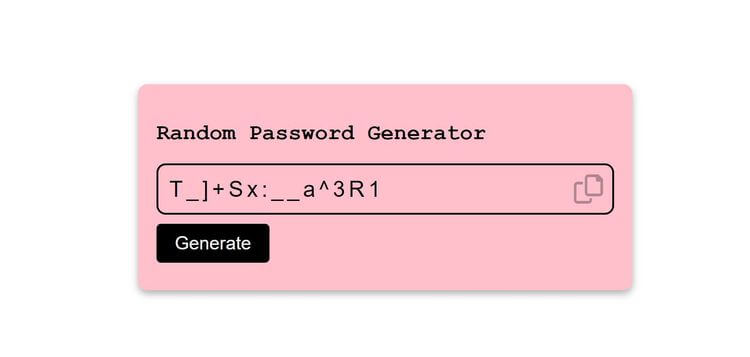
Control delayed interface updates with browser timers.
Build a random password generator →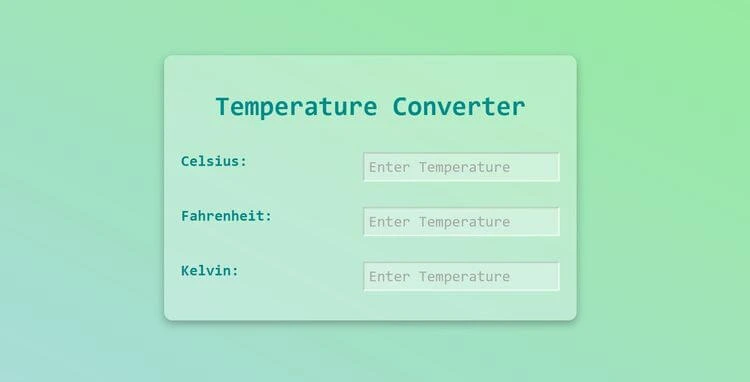
Format numeric results before displaying them on the page.
Build a temperature converter →Read form values and use them in the project logic.
Build a currency converterControl delayed interface updates with browser timers.
Build a random password generatorFormat numeric results before displaying them on the page.