 Best match
Related: setTimeoutIntermediate
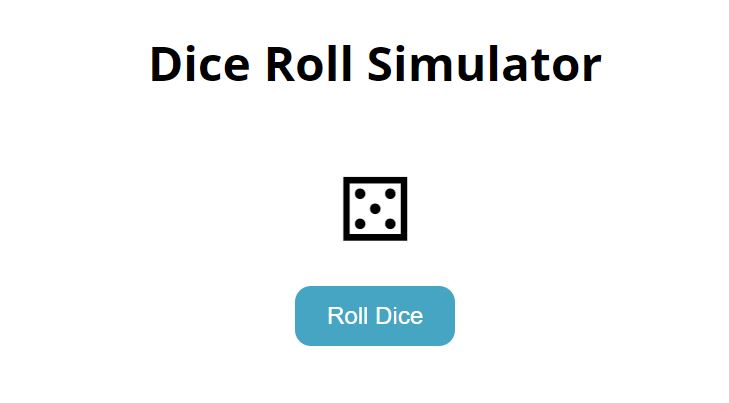
Dice Roll Simulator
Control delayed interface updates with browser timers.
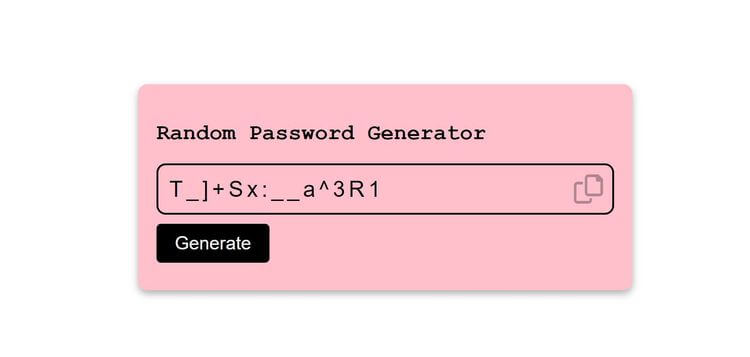
Build a dice roll simulator →Build a random password generator with HTML, CSS, and JavaScript while practicing setTimeout and click events.
Build a random password generator using HTML, CSS, and JavaScript, then connect the interface to the logic that makes it work. You’ll learn how to generate a fresh result and update the interface instantly while getting hands-on practice with setTimeout, click events, and DOM selection.
Recommended knowledge: Basic HTML and CSS, JavaScript functions and callbacks, Browser timers, Functions and Math.random.
This project uses timed JavaScript updates.
index.html<!DOCTYPE html>
<html lang="en">
<head>
<meta charset="UTF-8" />
<meta http-equiv="X-UA-Compatible" content="IE=edge" />
<meta name="viewport" content="width=device-width, initial-scale=1.0" />
<title>Random Password Generator</title>
<link
rel="stylesheet"
href="https://cdnjs.cloudflare.com/ajax/libs/font-awesome/6.0.0-beta3/css/all.min.css"
integrity="sha512-Fo3rlrZj/k7ujTnHg4CGR2D7kSs0v4LLanw2qksYuRlEzO+tcaEPQogQ0KaoGN26/zrn20ImR1DfuLWnOo7aBA=="
crossorigin="anonymous"
referrerpolicy="no-referrer"
/>
<link rel="stylesheet" href="style.css" />
</head>
<body>
<div class="password-container">
<h2>Random Password Generator</h2>
<div class="input-container">
<input
type="text"
id="input"
class="input"
placeholder="Create Password"
readonly
/>
<i class="far fa-copy fa-2x"></i>
</div>
<button class="btn">Generate</button>
</div>
<div class="alert-container active">Password Copied</div>
<script src="index.js"></script>
</body>
</html>
Practice setTimeout, random values, and input values with these related projects.
Best matchControl delayed interface updates with browser timers.
Build a dice roll simulator →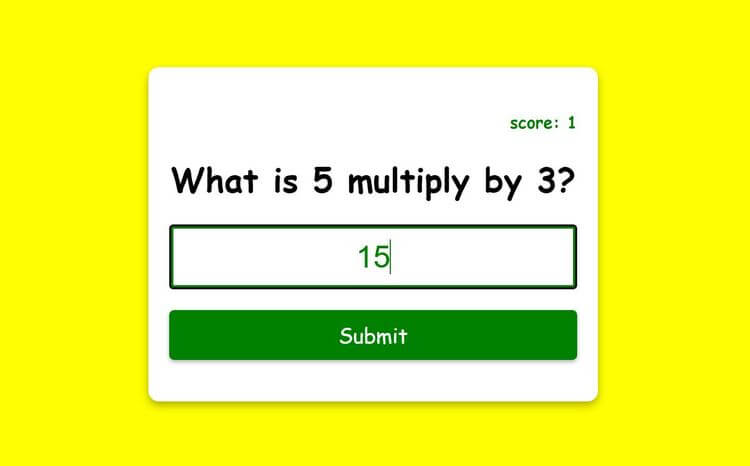
Generate changing values and display a new result each time.
Build a multiplication app →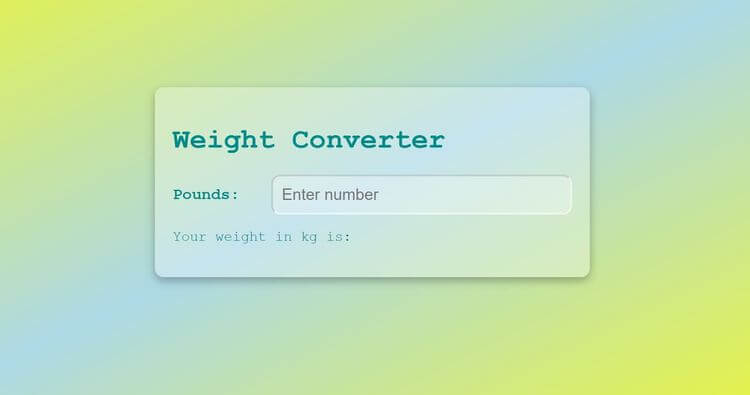
Read form values and use them in the project logic.
Build a weight converter →Control delayed interface updates with browser timers.
Build a dice roll simulatorGenerate changing values and display a new result each time.
Build a multiplication appRead form values and use them in the project logic.
Build a weight converter