 Best match
Related: setIntervalBeginner
Simple Stopwatch
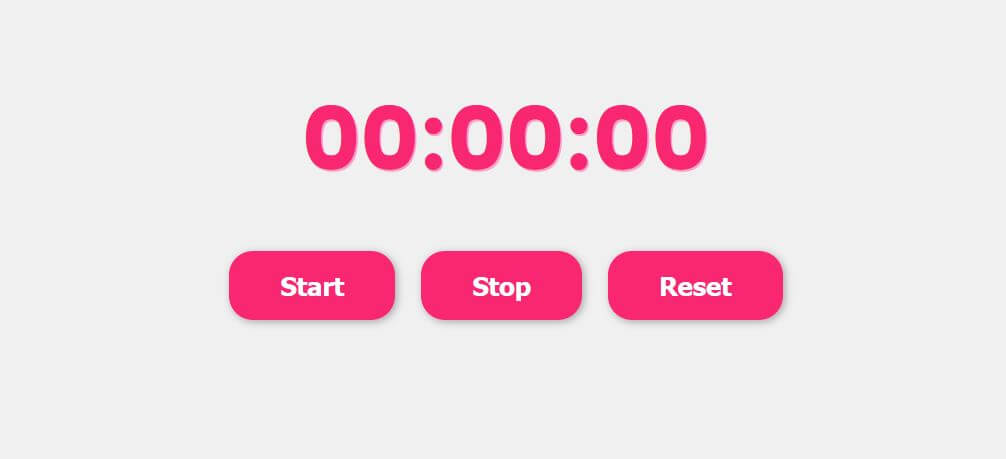
Create repeating updates that keep the interface moving.
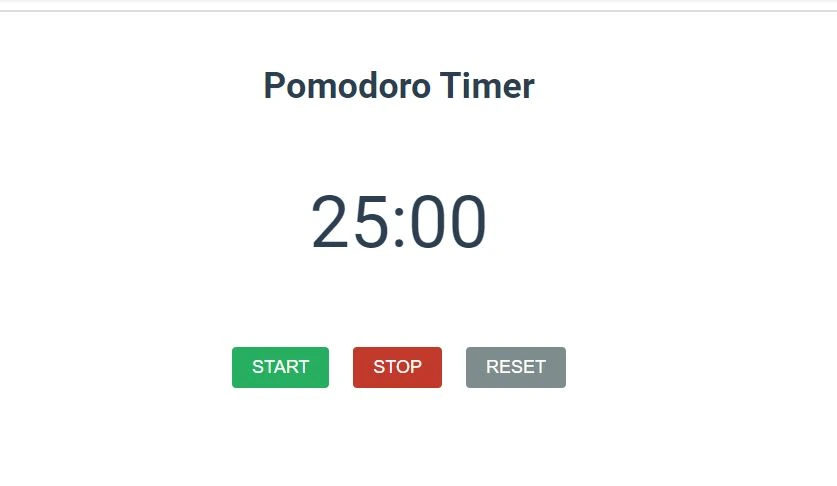
Build a simple stopwatch →Build a pomodoro timer with HTML, CSS, and JavaScript while practicing setInterval and click events.
This project shows you how HTML, CSS, and JavaScript work together in a pomodoro timer. You’ll control time-based behavior with practical start, stop, and reset actions, then practice setInterval, click events, and DOM selection as you build the complete project from scratch.
Recommended knowledge: Basic HTML and CSS, JavaScript functions and callbacks, Browser timers, JavaScript variables and number operations.
This project uses timed JavaScript updates.
index.html<!DOCTYPE html>
<html lang="en">
<head>
<meta charset="UTF-8">
<meta http-equiv="X-UA-Compatible" content="IE=edge">
<meta name="viewport" content="width=device-width, initial-scale=1.0">
<title>Pomodoro Timer</title>
<link rel="stylesheet" href="style.css">
</head>
<body>
<div class="container">
<h1 class="title">Pomodoro Timer</h1>
<p class="timer" id="timer">25:00</p>
<div class="button-wrapper">
<button id="start">Start</button>
<button id="stop">Stop</button>
<button id="reset">Reset</button>
</div>
</div>
<script src="index.js"></script>
</body>
</html>
Practice setInterval, javaScript calculations, and conditional logic with these related projects.
Best matchCreate repeating updates that keep the interface moving.
Build a simple stopwatch →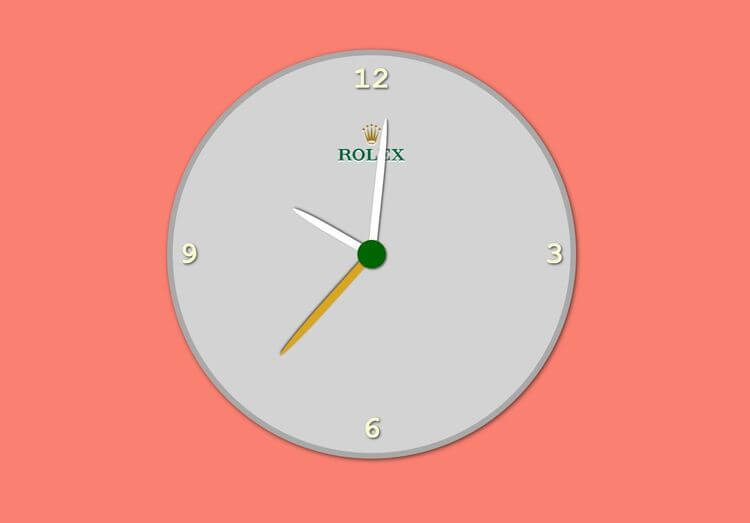
Turn JavaScript calculations into clear visual results.
Build an analogue clock →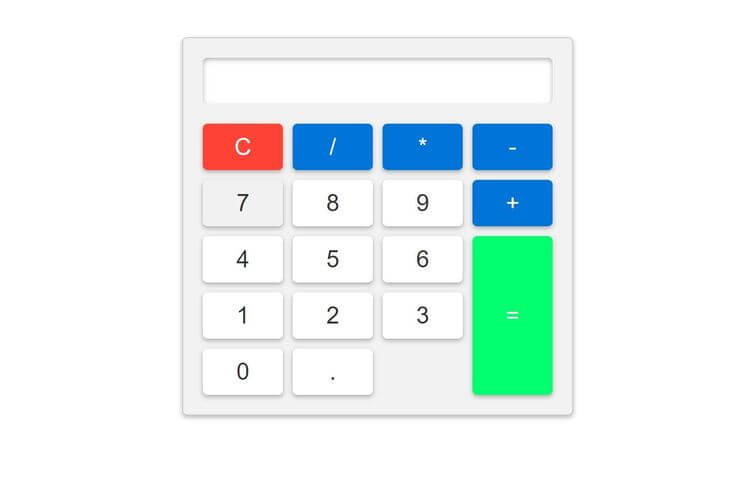
Use conditions to control how the interface behaves.
Build a basic calculator →Create repeating updates that keep the interface moving.
Build a simple stopwatchTurn JavaScript calculations into clear visual results.
Build an analogue clockUse conditions to control how the interface behaves.
Build a basic calculator