 Best match
Related: keyboard events
English Dictionary
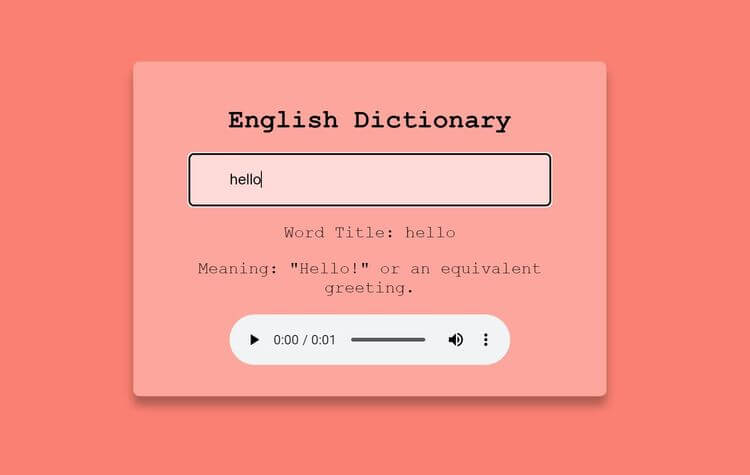
Look up a word and turn the API response into a useful definition.
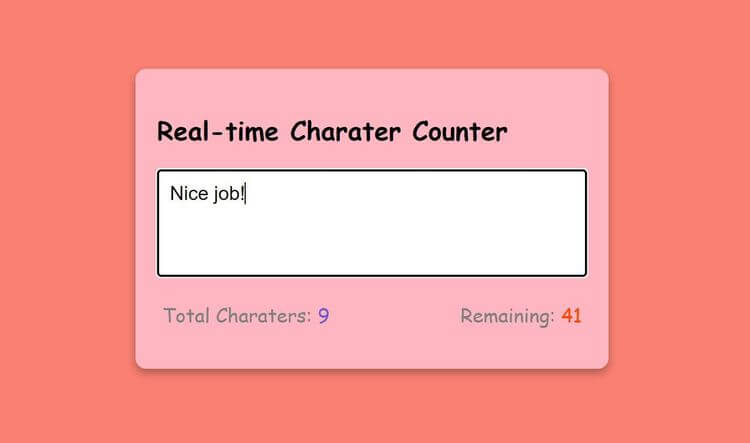
Build an english dictionary →Build a real-time character counter with HTML, CSS, and JavaScript while practicing keyboard events and DOM selection.
Build a real-time character counter using HTML, CSS, and JavaScript, then connect the interface to the logic that makes it work. You’ll learn how to connect user interactions to visible changes on the page while getting hands-on practice with keyboard events, DOM selection, and DOM content updates.
Recommended knowledge: Basic HTML and CSS, JavaScript variables and number operations, DOM selection and form events, DOM selection and keyboard events.
This project runs directly in the browser with HTML, CSS, and JavaScript.
index.html<!DOCTYPE html>
<html lang="en">
<head>
<meta charset="UTF-8" />
<meta http-equiv="X-UA-Compatible" content="IE=edge" />
<meta name="viewport" content="width=device-width, initial-scale=1.0" />
<title>Real-time Charater Counter</title>
<link rel="stylesheet" href="style.css" />
</head>
<body>
<div class="container">
<h2>Real-time Charater Counter</h2>
<textarea
id="textarea"
class="textarea"
placeholder="Please write your text here..."
maxlength="50"
></textarea>
<div class="counter-container">
<p>
Total Charaters:
<span class="total-counter" id="total-counter"></span>
</p>
<p>
Remaining:
<span class="remaining-counter" id="remaining-counter"></span>
</p>
</div>
</div>
<script src="index.js"></script>
</body>
</html>
Practice keyboard events, input values, and javaScript calculations with these related projects.
Best matchLook up a word and turn the API response into a useful definition.
Build an english dictionary →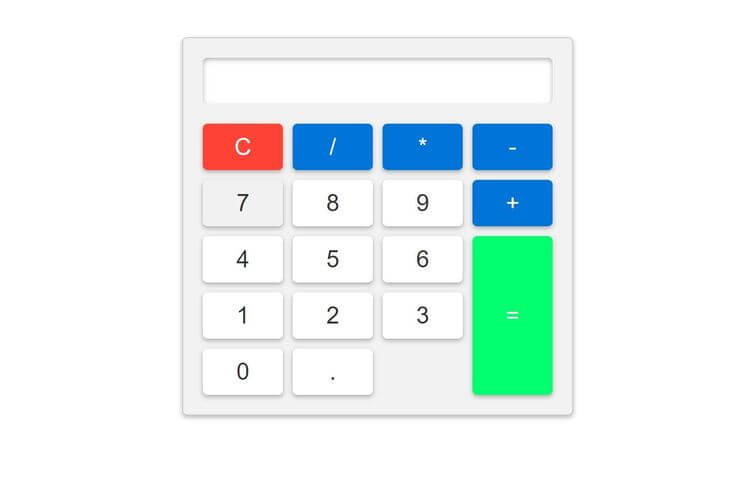
Read form values and use them in the project logic.
Build a basic calculator →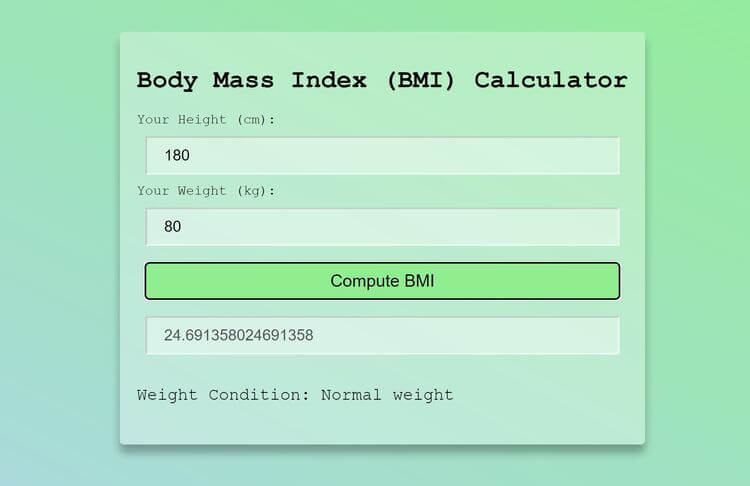
Turn JavaScript calculations into clear visual results.
Build a bmi calculator →Look up a word and turn the API response into a useful definition.
Read form values and use them in the project logic.
Build a basic calculatorTurn JavaScript calculations into clear visual results.
Build a bmi calculator