 Best match
Related: API requestsIntermediate
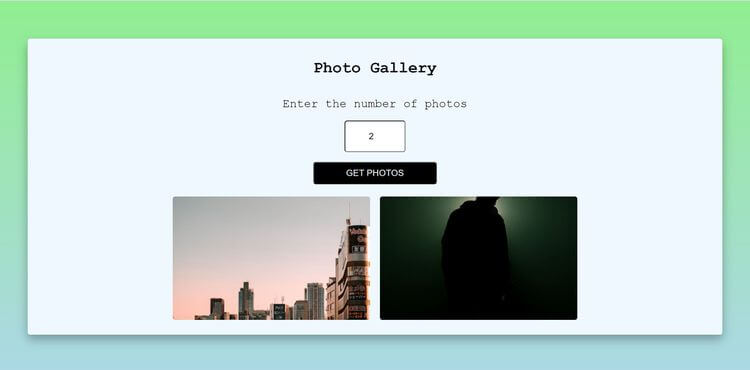
Photo Gallery
Request remote photos and arrange the results into a gallery.
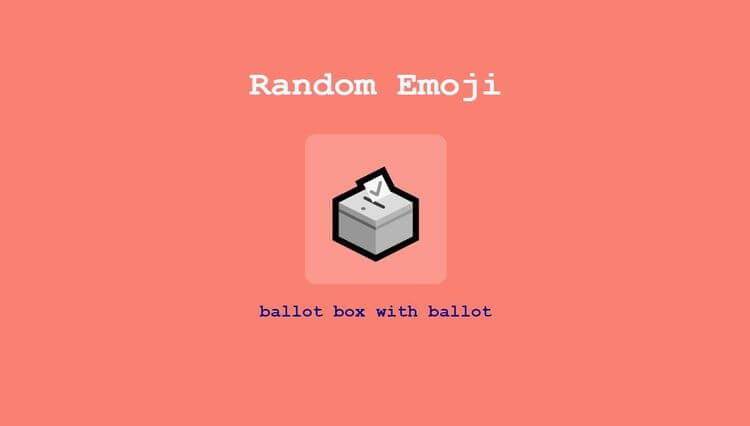
Build a photo gallery →Build a random emoji with HTML, CSS, and JavaScript while practicing API requests and async and await.
In this project, we’re going to build a random emoji using HTML, CSS, and JavaScript. You’ll see how to connect user interactions to visible changes on the page. Along the way, you’ll practice API requests, async and await, and click events, so you can understand how the interface and JavaScript logic work together.
Recommended knowledge: Basic HTML and CSS, JavaScript functions and arrays, Promises and the Fetch API, Functions and Math.random.
This project connects the interface to live API results.
index.html<!DOCTYPE html>
<html lang="en">
<head>
<meta charset="UTF-8">
<meta http-equiv="X-UA-Compatible" content="IE=edge">
<meta name="viewport" content="width=device-width, initial-scale=1.0">
<link rel="stylesheet" href="style.css">
<title>Random Emoji</title>
</head>
<body>
<h2>Random Emoji</h2>
<div class="section">
<button class="btn" id="btn">Click</button>
<p class="emoji-name" id="emoji-name">Emoji Name</p>
</div>
<script src="index.js"></script>
</body>
</html>
Practice API requests, async/await, and javaScript calculations with these related projects.
Best matchRequest remote photos and arrange the results into a gallery.
Build a photo gallery →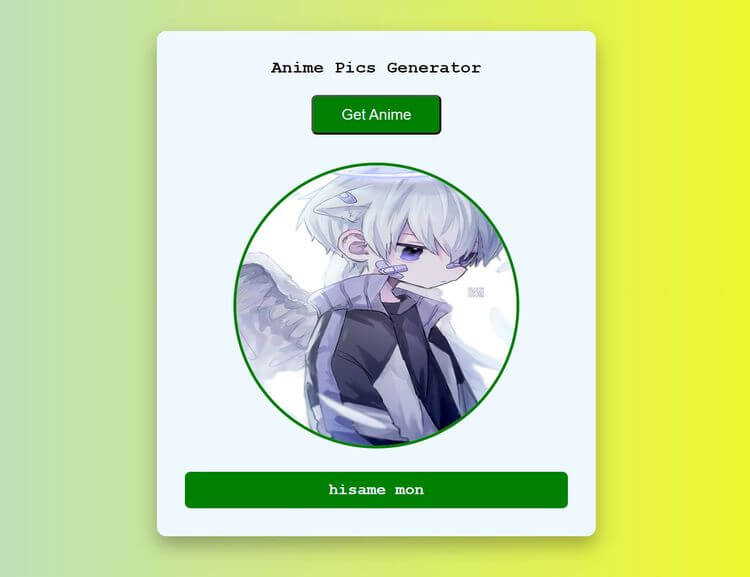
Handle asynchronous results and update the interface when they arrive.
Build an amine pics generator →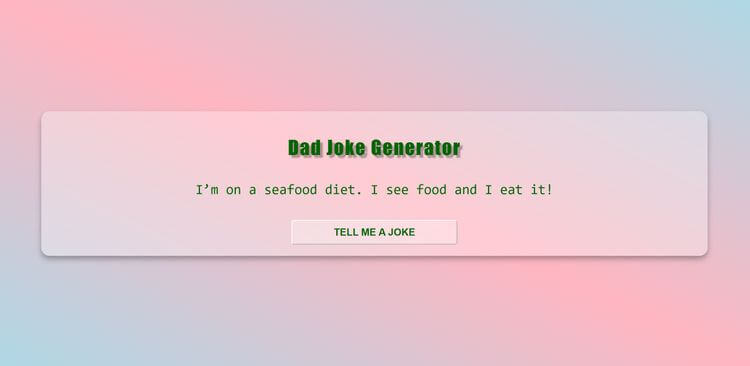
Turn JavaScript calculations into clear visual results.
Build a dad jokes generator →Request remote photos and arrange the results into a gallery.
Build a photo galleryHandle asynchronous results and update the interface when they arrive.
Build an amine pics generatorTurn JavaScript calculations into clear visual results.
Build a dad jokes generator