
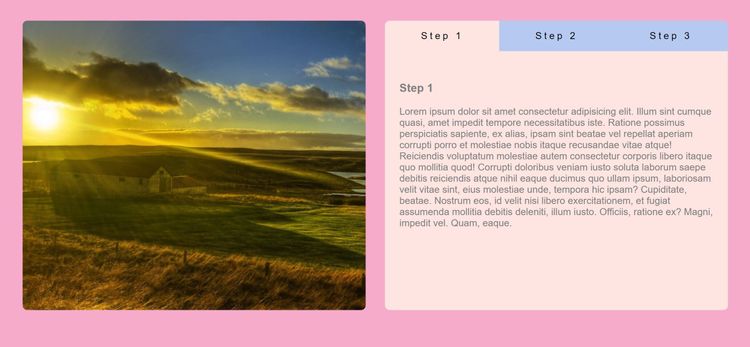
 Best match
Related: array methodsBeginner
Tabs Section
Transform collections of data into dynamic page content.
Build a tabs section →Build an emoji rating with HTML, CSS, and JavaScript while practicing click events and DOM selection.
Build an emoji rating using HTML, CSS, and JavaScript, then connect the interface to the logic that makes it work. You’ll learn how to connect user interactions to visible changes on the page while getting hands-on practice with click events, DOM selection, and CSS class toggling.
Recommended knowledge: Basic HTML and CSS, JavaScript arrays and array methods, JavaScript variables and number operations, DOM selection and click events.
This project runs directly in the browser with HTML, CSS, and JavaScript.
index.html<!DOCTYPE html>
<html lang="en">
<head>
<meta charset="UTF-8" />
<meta http-equiv="X-UA-Compatible" content="IE=edge" />
<meta name="viewport" content="width=device-width, initial-scale=1.0" />
<title>Emoji Rating</title>
<link
rel="stylesheet"
href="https://cdnjs.cloudflare.com/ajax/libs/font-awesome/6.0.0-beta2/css/all.min.css"
integrity="sha512-YWzhKL2whUzgiheMoBFwW8CKV4qpHQAEuvilg9FAn5VJUDwKZZxkJNuGM4XkWuk94WCrrwslk8yWNGmY1EduTA=="
crossorigin="anonymous"
referrerpolicy="no-referrer"
/>
<link rel="stylesheet" href="style.css" />
</head>
<body>
<div class="feedback-container">
<div class="emoji-container">
<i class="far fa-angry fa-3x"></i>
<i class="far fa-frown fa-3x"></i>
<i class="far fa-meh fa-3x"></i>
<i class="far fa-smile fa-3x"></i>
<i class="far fa-laugh fa-3x"></i>
</div>
<div class="rating-container">
<i class="fas fa-star fa-2x active"></i>
<i class="fas fa-star fa-2x"></i>
<i class="fas fa-star fa-2x"></i>
<i class="fas fa-star fa-2x"></i>
<i class="fas fa-star fa-2x"></i>
</div>
</div>
<script src="index.js"></script>
</body>
</html>
Practice array methods, javaScript calculations, and conditional logic with these related projects.
Best matchTransform collections of data into dynamic page content.
Build a tabs section →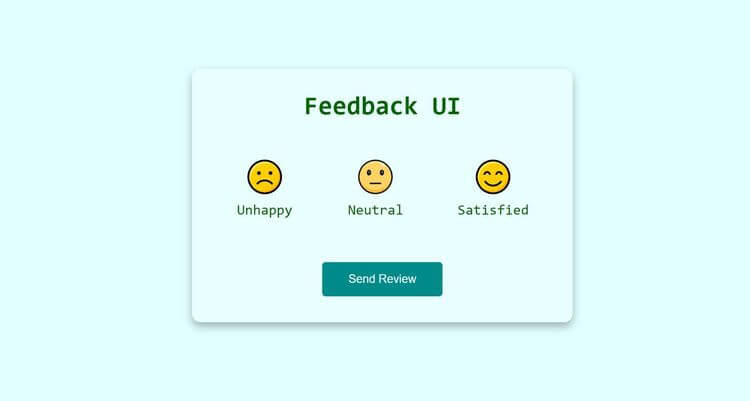
Turn JavaScript calculations into clear visual results.
Build a feedback ui →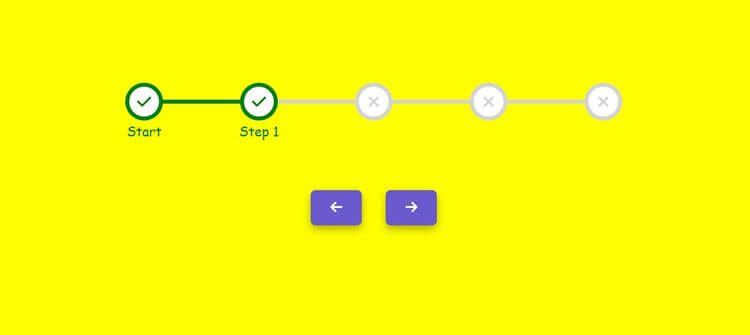
Use conditions to control how the interface behaves.
Build a step progress bar →Transform collections of data into dynamic page content.
Build a tabs sectionTurn JavaScript calculations into clear visual results.
Use conditions to control how the interface behaves.