 Best match
Related: mouse eventsBeginner
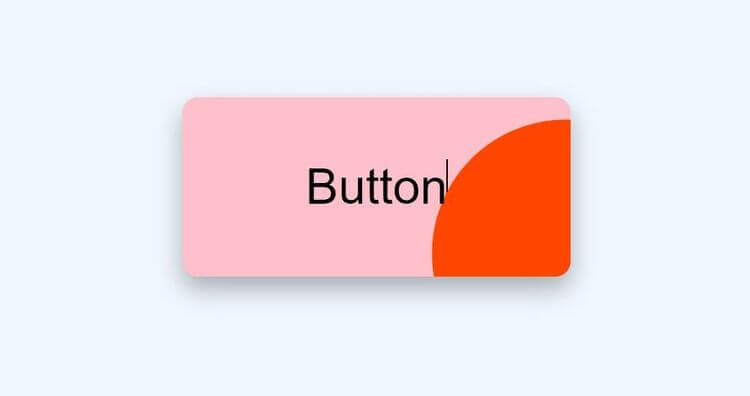
Button Ripple Effect
Connect mouse movement to visible interface changes.
Build a button ripple effect →Build a double landing page with HTML, CSS, and JavaScript while practicing mouse events and DOM selection.
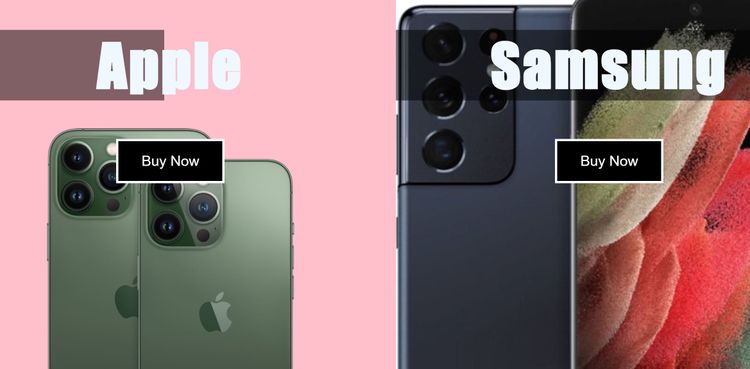
This project shows you how HTML, CSS, and JavaScript work together in a double landing page. You’ll connect user interactions to visible changes on the page, then practice mouse events, DOM selection, and CSS class toggling as you build the complete project from scratch.
Recommended knowledge: Basic HTML and CSS, JavaScript variables and number operations, DOM selection and mouse events, CSS classes and DOM selection.
This project runs directly in the browser with HTML, CSS, and JavaScript.
index.html<!DOCTYPE html>
<html lang="en">
<head>
<meta charset="UTF-8" />
<meta http-equiv="X-UA-Compatible" content="IE=edge" />
<meta name="viewport" content="width=device-width, initial-scale=1.0" />
<title>Double Landing Page</title>
<link rel="stylesheet" href="style.css" />
</head>
<body>
<div class="container">
<div class="split left">
<h1>Apple</h1>
<button class="btn">Buy Now</button>
</div>
<div class="split right">
<h1>Samsung</h1>
<button class="btn">Buy Now</button>
</div>
</div>
<script src="index.js"></script>
</body>
</html>
Practice mouse events, javaScript calculations, and DOM Selection with these related projects.
Best matchConnect mouse movement to visible interface changes.
Build a button ripple effect →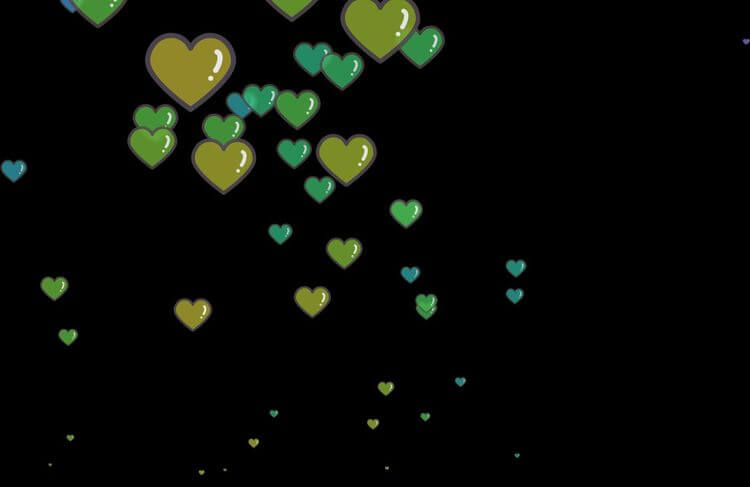
Turn JavaScript calculations into clear visual results.
Build a heart trail animation →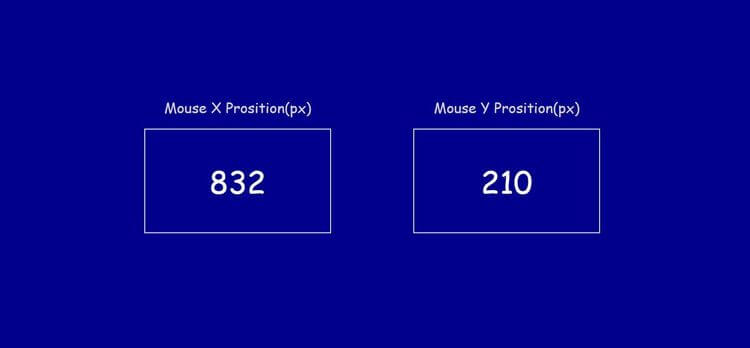
Select page elements and control them with JavaScript.
Build a mouse event →Connect mouse movement to visible interface changes.
Build a button ripple effectTurn JavaScript calculations into clear visual results.
Build a heart trail animationSelect page elements and control them with JavaScript.
Build a mouse event