
 Best match
Related: JavaScript calculations
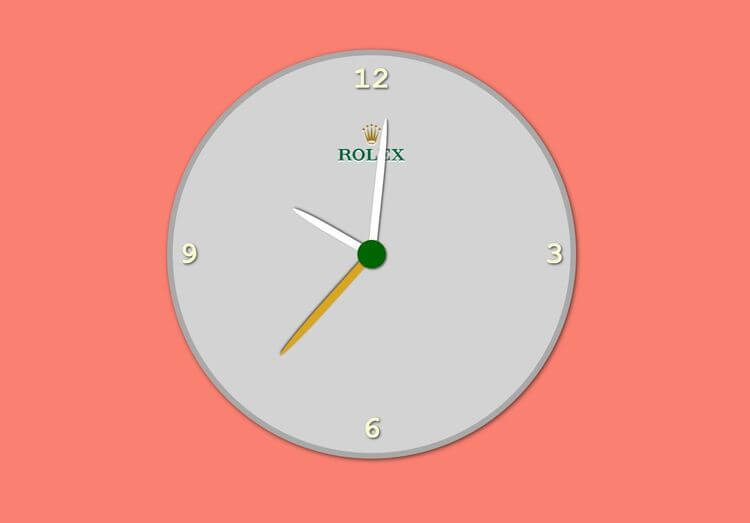
Analogue Clock
Turn JavaScript calculations into clear visual results.
Build an analogue clock →Build a background image scroll effect with HTML, CSS, and JavaScript while practicing DOM selection and JavaScript calculations.
In this project, we’re going to build a background image scroll effect using HTML, CSS, and JavaScript. You’ll see how to connect user interactions to visible changes on the page. Along the way, you’ll practice DOM selection and JavaScript calculations, so you can understand how the interface and JavaScript logic work together.
Recommended knowledge: Basic HTML and CSS, JavaScript variables and number operations, Basic DOM selection.
This project runs directly in the browser with HTML, CSS, and JavaScript.
index.html<!DOCTYPE html>
<html lang="en">
<head>
<meta charset="UTF-8" />
<meta http-equiv="X-UA-Compatible" content="IE=edge" />
<meta name="viewport" content="width=device-width, initial-scale=1.0" />
<title>Background Image Scroll Effect</title>
<link rel="stylesheet" href="style.css" />
</head>
<body>
<div class="bg-image" id="bg-image"></div>
<div class="container">
<h1>Welcome to our website</h1>
<p>
Lorem ipsum dolor sit amet consectetur adipisicing elit. Quae suscipit,
provident veritatis quos dolorum repellendus officia voluptate veniam id
pariatur, maiores dolore libero nemo repudiandae facere reiciendis
quisquam? Deleniti, eius.
</p>
<p>
Lorem ipsum dolor sit amet consectetur adipisicing elit. Quae suscipit,
provident veritatis quos dolorum repellendus officia voluptate veniam id
pariatur, maiores dolore libero nemo repudiandae facere reiciendis
quisquam? Deleniti, eius.
</p>
<p>
Lorem ipsum dolor sit amet consectetur adipisicing elit. Quae suscipit,
provident veritatis quos dolorum repellendus officia voluptate veniam id
pariatur, maiores dolore libero nemo repudiandae facere reiciendis
quisquam? Deleniti, eius.
</p>
<p>
Lorem ipsum dolor sit amet consectetur adipisicing elit. Quae suscipit,
provident veritatis quos dolorum repellendus officia voluptate veniam id
pariatur, maiores dolore libero nemo repudiandae facere reiciendis
quisquam? Deleniti, eius.
</p>
<p>
Lorem ipsum dolor sit amet consectetur adipisicing elit. Quae suscipit,
provident veritatis quos dolorum repellendus officia voluptate veniam id
pariatur, maiores dolore libero nemo repudiandae facere reiciendis
quisquam? Deleniti, eius.
</p>
<p>
Lorem ipsum dolor sit amet consectetur adipisicing elit. Quae suscipit,
provident veritatis quos dolorum repellendus officia voluptate veniam id
pariatur, maiores dolore libero nemo repudiandae facere reiciendis
quisquam? Deleniti, eius.
</p>
</div>
<script src="index.js"></script>
</body>
</html>
Practice javaScript calculations and DOM Selection with these related projects.
Best matchTurn JavaScript calculations into clear visual results.
Build an analogue clock →
Select page elements and control them with JavaScript.
Build an animated search bar →
Build a timed text animation that updates one character at a time.
Build the text effect →Turn JavaScript calculations into clear visual results.
Build an analogue clockSelect page elements and control them with JavaScript.
Build an animated search barBuild a timed text animation that updates one character at a time.
Build the text effect