 Best match
Related: input valuesBeginner
Loan Calculator
Read form values and use them in the project logic.
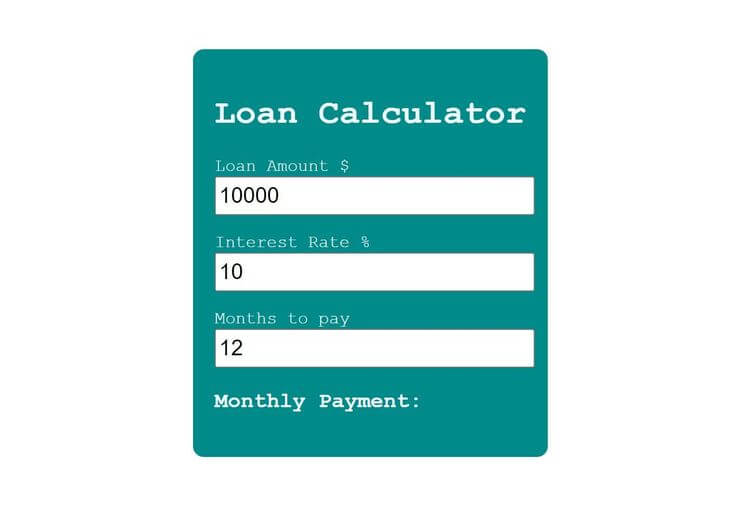
Build a loan calculator →Build a tip calculator that calculates the final bill from a bill amount and tip percentage.
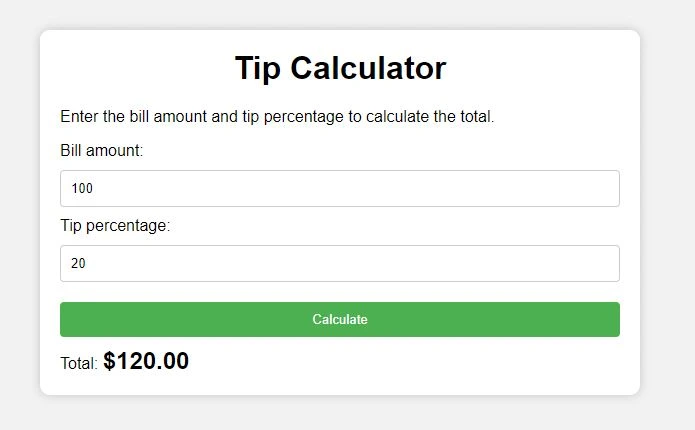
In this project, we’re going to build a practical tip calculator using HTML, CSS, and JavaScript. The user can enter a bill amount and tip percentage, then calculate the final total with one click. It’s a small project, but it gives you a really good understanding of how JavaScript takes user input, performs a calculation, and displays the result on the page.
Recommended knowledge: Basic HTML and CSS, JavaScript variables and number operations, DOM selection and form events, DOM selection and click events.
This project runs directly in the browser with HTML, CSS, and JavaScript.
index.html<!DOCTYPE html>
<html lang="en">
<head>
<meta charset="UTF-8">
<meta http-equiv="X-UA-Compatible" content="IE=edge">
<meta name="viewport" content="width=device-width, initial-scale=1.0">
<title>Tip Calculator</title>
<link rel="stylesheet" href="style.css">
</head>
<body>
<div class="container">
<h1>Tip Calculator</h1>
<p>Enter the bill amount and tip percentage to calculate the total.</p>
<label for="bill">Bill amount:</label>
<input type="number" id="bill">
<br/>
<label for="tip">Tip percentage:</label>
<input type="number" id="tip">
<br/>
<button id="calculate">Calculate</button>
<br/>
<label for="total">Total:</label>
<span id="total"></span>
</div>
<script src="index.js"></script>
</body>
</html>
Practice input values, number formatting, and DOM Selection with these related projects.
Best matchRead form values and use them in the project logic.
Build a loan calculator →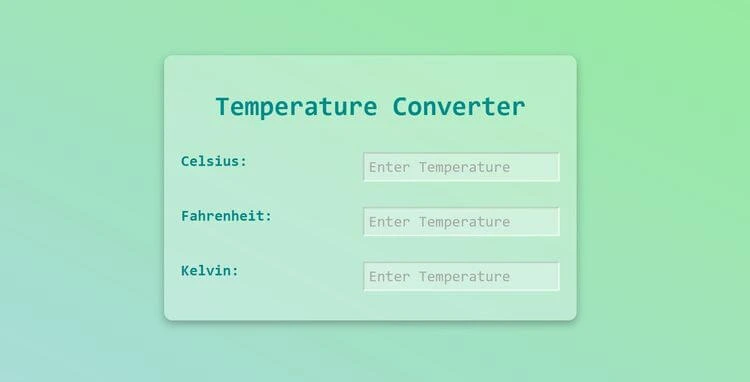
Format numeric results before displaying them on the page.
Build a temperature converter →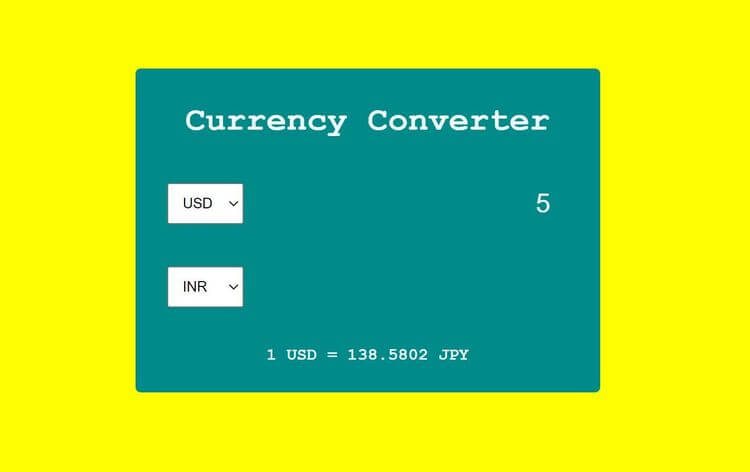
Select page elements and control them with JavaScript.
Build a currency converter →Read form values and use them in the project logic.
Build a loan calculatorFormat numeric results before displaying them on the page.
Build a temperature converterSelect page elements and control them with JavaScript.